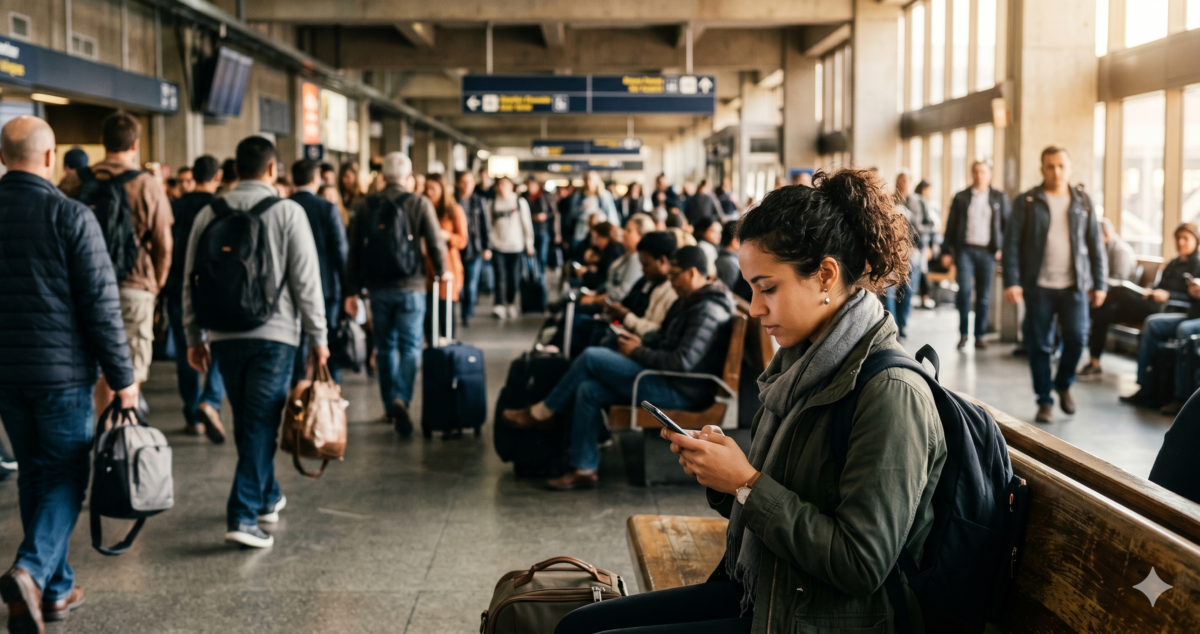
Two travelers sit at JFK Terminal 4 during a three-hour delay[cite: 1]. One logs onto the unencrypted public hotspot to process a $14,000 corporate bank wire, completely exposed to nearby packet sniffers[cite: 1]. The other switches on a layered encryption stack, routing traffic through an isolated virtual tunnel before opening a single file[cite: 1, 2].
Connecting to free public networks happens almost automatically for the average traveler trying to save mobile data[cite: 1, 2]. Corporate dropouts are particularly vulnerable; back home, professionals rely heavily on highly secured enterprise channels or dedicated business internet infrastructure[cite: 1]. Yet, these exact individuals frequently lower their security posture out of pure exhaustion when stuck inside foreign transit hubs[cite: 1].
The solution is not to avoid working on long layovers, but to shift from standard default settings to an intentional data security routine[cite: 1]. Deploying proper routing protocols protects private accounts without forcing you to abandon online productivity while traveling[cite: 1, 2].
- Zero Encryption: Open airport hotspots let third parties intercept data packets using standard software[cite: 1].
- Identity Spoofing: Attackers deploy rogue access points with official-sounding names to collect user credentials[cite: 1].
- Alternative Routing: Utilizing a cellular hotspot or a trusted virtual private network prevents unencrypted exposures[cite: 1].
- Update Verification: Outdated operating systems contain unpatched vulnerabilities that invite direct network exploits[cite: 1].
Why are public networks inherently unsafe?
Airport Wi-Fi networks often have minimal protection[cite: 1]. Unlike private home connections, public routers permit thousands of unverified devices to establish a link simultaneously without requiring centralized validation[cite: 1]. For most travelers, this one-click access obscures the reality that their device is broadcasting in an unshielded shared digital space[cite: 1].
Cybercriminals frequently exploit these specific open environments to run automated packet sniffing scripts from laptops disguised as normal luggage items[cite: 1]. This process allows them to observe plain-text traffic fragments, capturing authentication cookies or personal account details that lack native application-layer protection[cite: 1]. According to cybersecurity research, over 24% of public Wi-Fi hotspots globally operate without any encryption protocols whatsoever.
The cash price of an identity cleanup tells you what a data breach is worth, not what you will pay to avoid it if you ignore the baseline tools[cite: 2].

How do scammers use fake airport networks?
Not every connection available inside an airport passenger terminal originates from the official municipal or airport authority infrastructure[cite: 1]. Scammers routinely broadcast fraudulent networks using high-powered portable routers hidden inside backpacks or pockets[cite: 1]. These configurations are manually adjusted to mimic official infrastructure titles, such as “LHR_Free_Airport_WiFi” or “LAX_Guest_HighSpeed”[cite: 1].
When an unoptimized device connects to one of these rogue access points, all inbound and outbound traffic passes directly through the attacker’s hardware machine[cite: 1]. This technique, called a Man-in-the-Middle attack, allows the operator of the rogue router to prompt users with spoofed portal pages[cite: 1]. These fields look exactly like standard login screens but exist purely to collect passwords, phone numbers, or credit card info[cite: 1].
| Connection Type | Encryption Level | Interception Risk | Primary Vulnerability |
|---|---|---|---|
| Official Open Wi-Fi | None / Open Network | High | Packet sniffing on shared radio bands[cite: 1] |
| Rogue “Twin” Hotspot | Attacker Controlled | Critical | Total data exposure & credential harvesting[cite: 1] |
| Cellular Tethering | WPA2 / WPA3 Carrier Grade | Very Low | Data limits / roaming plan premium costs[cite: 1] |
| Wi-Fi + Layered VPN | AES 256-Bit Tunneling | Negligible | Slight drop in overall download speeds[cite: 1] |
What activities should you restrict on open connections?
Browsing static news columns, reviewing public transit schedules, or viewing flight numbers on official dashboards carries minimal relative risk over an open connection[cite: 1]. The dangerous habits lie in logging into external primary financial databases, shopping platforms with saved payment fields, or corporate repositories[cite: 1]. Entering an enterprise portal while connected to a shared hub invites unmonitored tracking scripts to log the session tokens[cite: 1].
That means shifting critical tasks to safer networks or postponing them entirely until your digital profile is completely insulated[cite: 1]. When immediate actions are required, turning off the device’s automatic Wi-Fi joining function forces a deliberate evaluation of alternative transmission routes[cite: 1]. Operators utilize a strict digital inspection process, treating every open hub as a hostile vector until proven otherwise[cite: 2].
How do you secure your connection in transit?
Transitioning from an unoptimized target to a secure traveler requires implementing a standard four-part digital protocol before you arrive at the gate[cite: 2]. This process focuses on eliminating vulnerabilities before a device is exposed to a shared public network environment[cite: 1].
Many travelers delay operating system patches before departing because the download cycles take up bandwidth or interrupt preparation schedules[cite: 1]. However, outdated devices may contain vulnerabilities that make automated data collection remarkably easy for bad actors[cite: 1]. Install all system updates at home before reaching the terminal space[cite: 1].
A secure virtual private network is the technical superset; standard public encryption is merely the local subset.
Activating an encrypted VPN wraps your data packets in an impenetrable cryptographic shell before they hit the local airwaves[cite: 1]. This system ensures that even if a cybercriminal sniffs your traffic, they extract unreadable gibberish instead of passwords[cite: 1].
When processing banking transitions or logging into email ecosystems, bypass the shared airport infrastructure entirely[cite: 1]. Use your personal smartphone to broadcast a secure, password-protected cellular hotspot channel instead[cite: 1]. Modern LTE and 5G connections provide carrier-grade encryption out of the box.
Operating systems frequently leave discovery settings open to facilitate home file drops or network printing across trusted household spaces. Disable features like AirDrop, local file sharing, and network visibility completely before connecting to any public terminal gateway. This prevents direct remote file access attempts.
Are you leaning too heavily on automated suggestions to navigate your travel itineraries? Review our breakdown of why AI travel advice is wrong to avoid structural planning errors before you head to the gate[cite: 2].